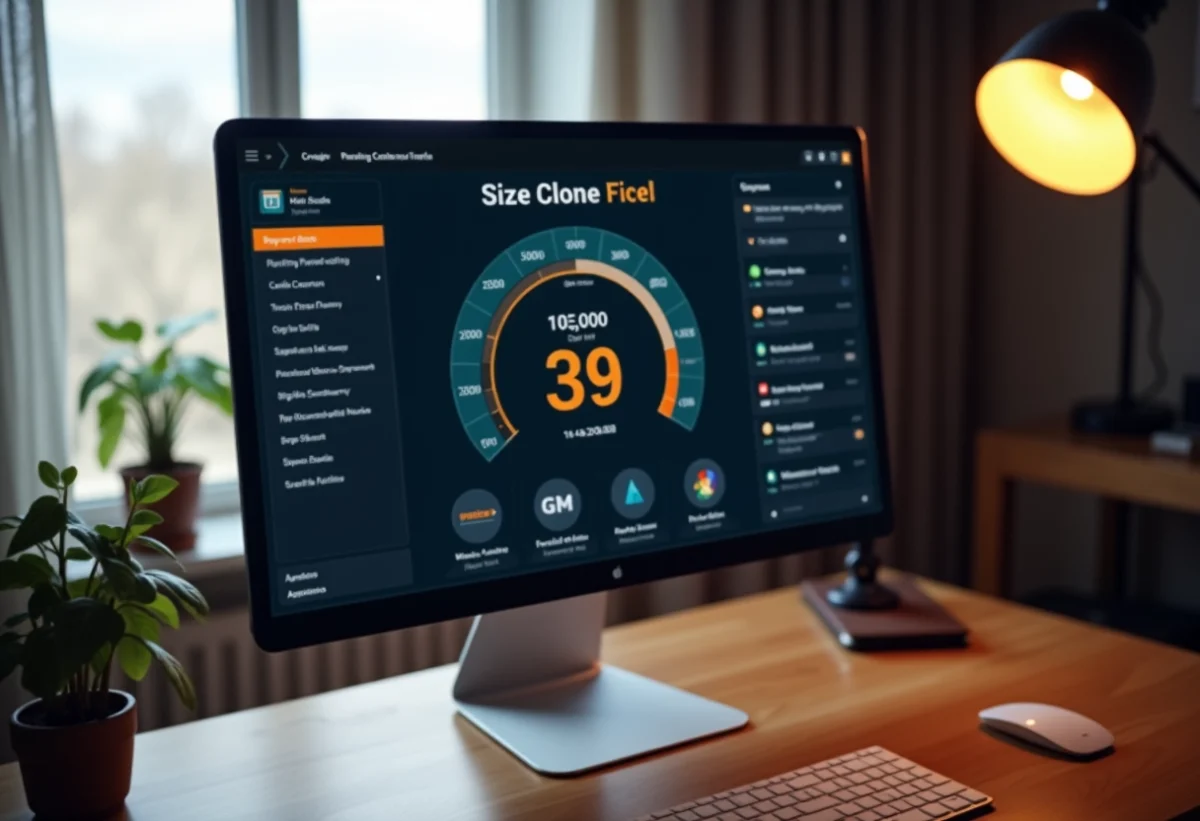
With the increasing number of connected devices at home, effective management of the internet connection has become essential to avoid slowdowns and interruptions. Orange, one of the leading internet service providers in France, offers various solutions to optimize the experience for its users.
By using tools like smart Wi-Fi and the My Livebox app, it is possible to monitor and control connected devices, optimize Wi-Fi coverage, and quickly resolve issues. These options ensure a stable and fast connection, meeting the growing needs of modern households.
Optimize the placement and settings of your Livebox
For optimal internet connection, the placement of your Livebox plays a central role. The Livebox can cover an area of about 75m², but several factors influence the WiFi signal: the area, the number of levels, the nature of the walls, the positioning of the Livebox, the presence of electromagnetic interference, the age of the equipment, and the number of connected devices.
Practical tips for optimal placement
- Place the Livebox at the center of your home for uniform distribution of the WiFi signal.
- Avoid physical obstacles such as thick walls or bulky furniture.
- Keep the Livebox away from electronic devices that may cause interference.
The use of the My Livebox app allows you to optimize WiFi coverage. This app helps you test the signal quality in each room and adjust the positioning of your Livebox accordingly.
Advanced settings and optimizations
The Smart WiFi of the Livebox automatically manages the choice of the WiFi channel to minimize interference with other networks. Access the Orange portal to check and adjust the advanced settings of your local network. Performing a regular speed test ensures that your internet connection is operating at full capacity.
For households with larger areas or multiple levels, considering the addition of WiFi repeaters can be wise. These devices extend the range of the WiFi signal, ensuring a stable connection throughout the house.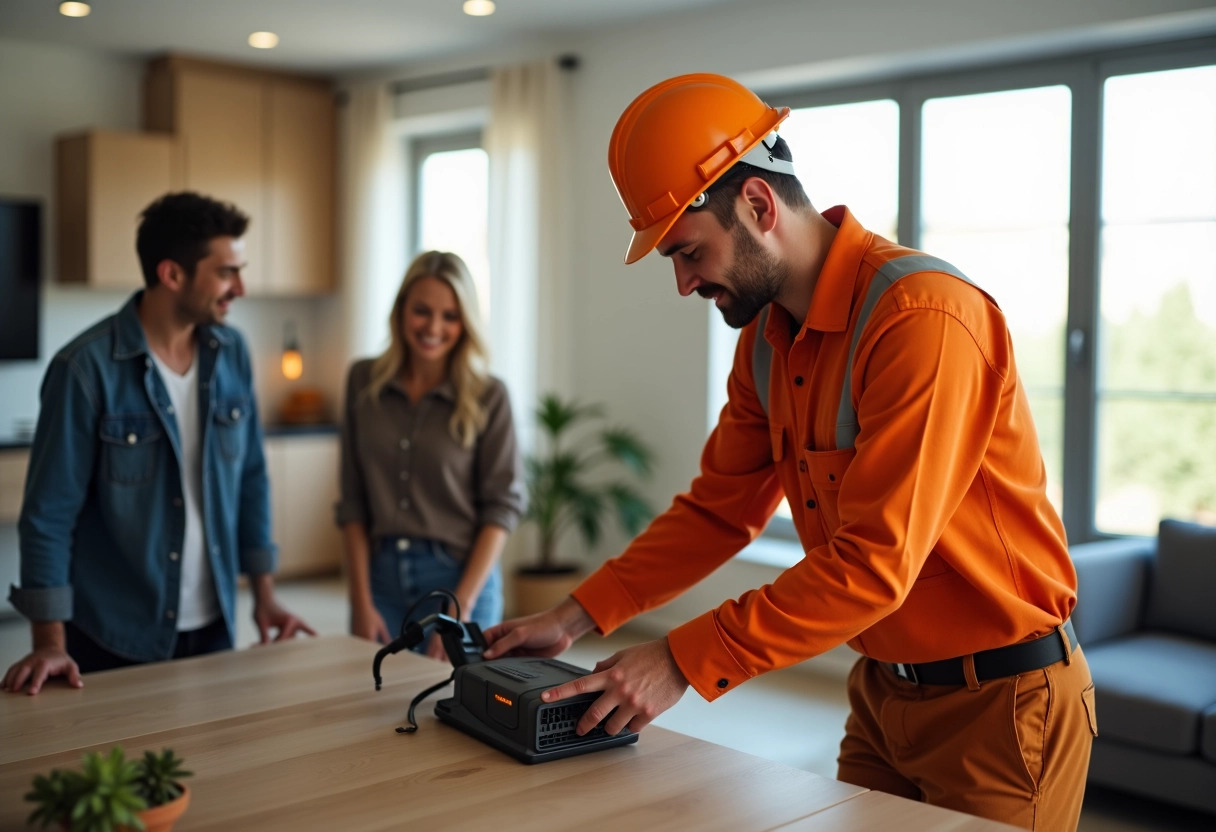
Use complementary equipment to improve the connection
To address the coverage limits of the Livebox, using complementary equipment often proves essential. The WiFi 6 repeater, for example, is an effective device for extending the range of the signal. It connects directly to the Livebox and allows for uniform distribution of the WiFi network in remote or hard-to-reach areas.
The Livebox Max and Livebox Up offers include up to three WiFi repeaters for optimal coverage. This solution is particularly useful in multi-level homes or those with thick walls that hinder signal propagation. By integrating these repeaters, you ensure that every connected device has a stable and fast connection.
Installation and configuration of the WiFi repeater
Installing a WiFi repeater is simple and quick. Follow these steps:
- Plug the WiFi repeater near your Livebox for the initial setup.
- Use the My Livebox app to sync the repeater with your existing network.
- Move the repeater to the desired location, preferably halfway between the Livebox and the area to be covered.
The correct positioning of the repeater is fundamental to maximizing performance. Avoid placing it too far from the Livebox, as it may pick up a weakened signal. Conversely, a central location in the extension area will ensure extensive and robust coverage.
Additionally, using Ethernet cables for fixed devices, such as televisions or gaming consoles, can relieve the WiFi network and guarantee a more reliable connection. This method, while requiring physical installation, offers unmatched stability for intensive use.